
AI Workflows
How AI Can Improve Customer Replies on WhatsApp
See where AI-assisted summaries, reply suggestions and intent signals can help WhatsApp teams respond faster while keeping people in control.
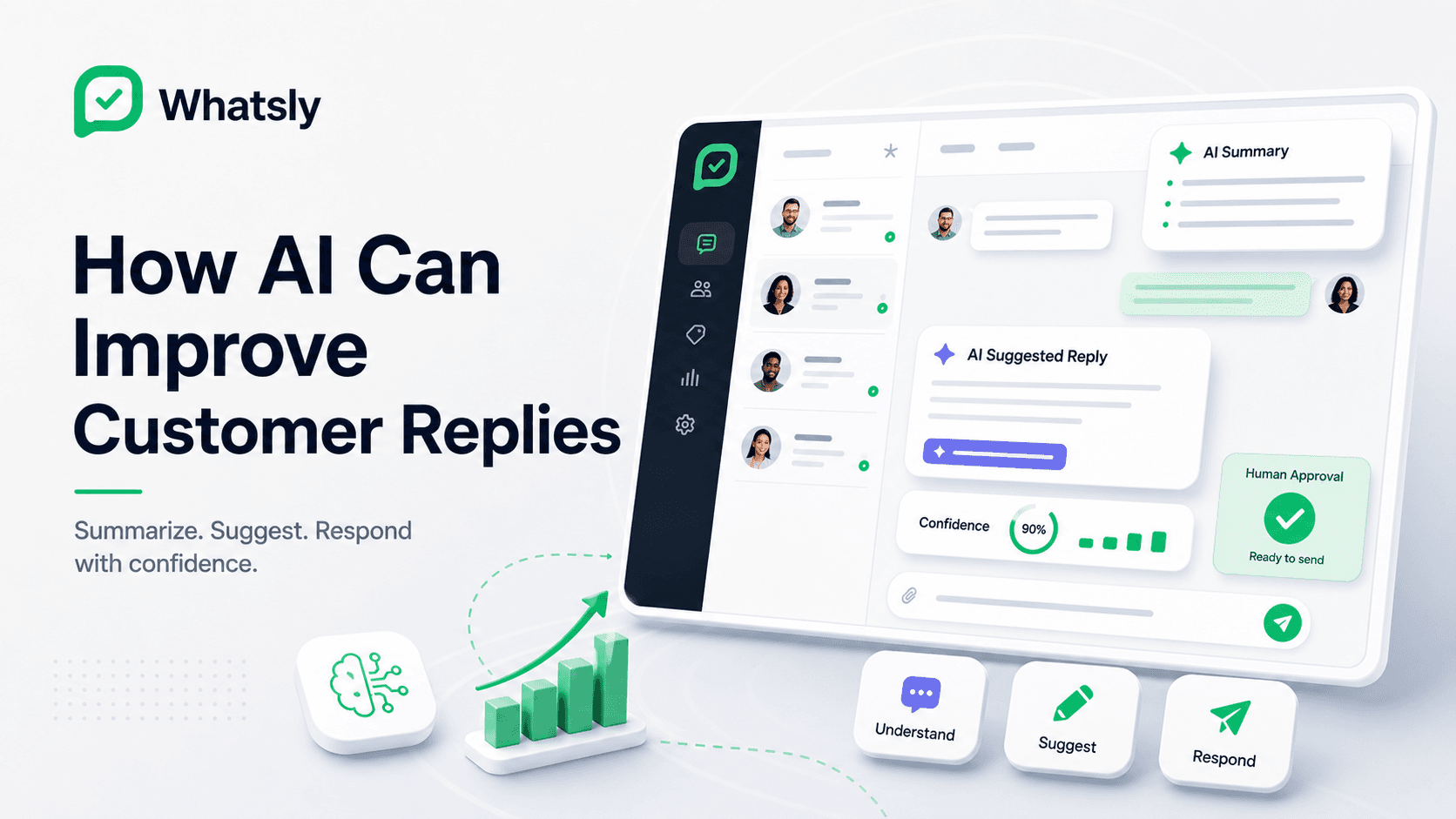
AI is most useful in WhatsApp operations when it helps people respond faster and more confidently. It should not hide the conversation, replace the operator or send sensitive replies without appropriate review.
The best experience feels like a helpful layer inside the inbox: the teammate remains responsible for the customer interaction, while AI reduces repetitive reading and writing.
Where AI can help most
Teams lose time when questions repeat, conversation history is long, customer intent is unclear or the operator must switch between systems before answering.
AI-assisted tools can reduce that friction by helping a teammate:
- Summarize a long conversation before replying.
- Prepare a short response that can be reviewed and edited.
- Identify whether the customer is asking about price, delivery, booking, support or order status.
- Translate or rephrase a reply for a different language or tone.
- Highlight missing information before a message is sent.
- Suggest a reusable response for a common question.
These are workflow improvements, not a replacement for human judgment.
Keep people in control
WhatsApp conversations can involve purchases, payment questions, delivery promises, complaints and sensitive customer context. AI should therefore stay transparent and controllable.
A responsible workflow should ensure that:
- Suggested replies are clearly identified as suggestions.
- The operator can edit or reject the recommendation.
- Sensitive or high-impact workflows require human approval.
- Manual inbox use continues when AI is unavailable.
- The business decides where automated sending is appropriate.
- Staff verify facts such as price, availability, policy and delivery timing before sending.
AI can produce incomplete or incorrect output. The customer-facing team remains responsible for the final message.
AI belongs inside the conversation
Reply assistance works best where the operator already works: beside the customer conversation.
A teammate should be able to read the latest message, scan the available history, review a suggestion, edit it and send the final response without moving into a separate AI workspace.
This matters on both desktop and mobile web. The useful interaction is short and focused, especially when a team member is answering away from a desk.
Practical AI-assisted workflows
Conversation summaries
A summary can help a teammate understand a long thread or take over from a colleague. It should point back to the source conversation so important details can be verified.
Reply recommendations
AI can prepare a response using the latest customer message and approved business context. The operator should review the wording and facts before sending.
Intent and topic signals
Classifying a message as a sales enquiry, delivery question, booking request or support issue can help the team organize its work. These signals should assist the workflow rather than silently make high-impact decisions.
Translation and tone support
AI can help a teammate prepare a clearer response in another language or adjust an overly technical message. Names, prices, policies and operational details still need verification.
Follow-up prompts
An AI-assisted system may highlight an unresolved question or suggest that a conversation needs a follow-up. The business should decide when and how that follow-up is appropriate.
Use trusted business context
Reply suggestions become more useful when they can reference approved information, such as:
- Opening hours.
- Product or service descriptions.
- Delivery and cancellation policies.
- Common support procedures.
- Order or booking information from an authorized integration.
- Responses reviewed by the business.
The system should not treat every prior message or uploaded document as automatically accurate. Businesses need a clear process for maintaining the information used by AI.
Protect customer data
AI-assisted features may involve customer messages and workspace context. Businesses should understand which data is processed, why it is needed, how long it is retained and which service providers are involved.
Access should follow the same principles as the rest of the workspace:
- Use role-based access.
- Avoid adding unnecessary personal information.
- Keep credentials private.
- Review integrations before granting access.
- Follow applicable privacy and communications laws.
The Whatsly approach
Whatsly is building AI-assisted reply recommendations as an Early Access capability. The foundation remains the shared customer conversation, controlled workspace access, reusable messages and focused integrations.
AI assistance is intended to help operators prepare replies while keeping a person responsible for the final customer message. Availability and scope may change as the capability is evaluated with early-access teams.
Start with one narrow use case
Do not begin by automating every conversation. Choose one repeated, low-risk workflow, such as preparing a response to opening-hours or order-status questions.
Review the results with the team:
- Did the suggestion understand the customer’s intent?
- Were the facts correct?
- How much editing was required?
- Did the operator respond faster?
- Which cases should always require manual handling?
A narrow pilot makes it easier to improve quality and set safe boundaries before expanding AI assistance.
Conclusion
AI can improve WhatsApp customer replies when it reduces repetitive work without removing accountability.
The useful model is simple: keep the conversation visible, use approved context, make suggestions editable and let a person control sensitive customer communication.